How To Find Underserved Amazon Product Niches Worth Filming
Learn how to find underserved product niches by analyzing demand, competition, search trends, and gaps in existing Amazon listings.

Many Amazon influencers target the same popular products, making it harder for a new video to stand out. A better approach is to find products with visible buyer interest but limited useful video coverage.
This guide shows you how to identify those gaps, evaluate their earning potential, and create videos that answer questions buyers may have before making a purchase. You will also see how we can help you research products, compare video competition, and organize opportunities.
TL;DR
Look for products with clear demand signals but few or weak product videos.
Use Amazon's own data first. Google Trends reflects Google searches, not Amazon purchases, so treat it as a seasonality check rather than a demand measurement.
Validate a niche by reviewing existing videos, recurring review themes, complaints, commission potential, and availability.
Check the on-site commission rate for the category before you film. It varies widely and changes what a video is worth.
Disclose affiliate relationships clearly and use the exact Amazon Associate identification statement where required.
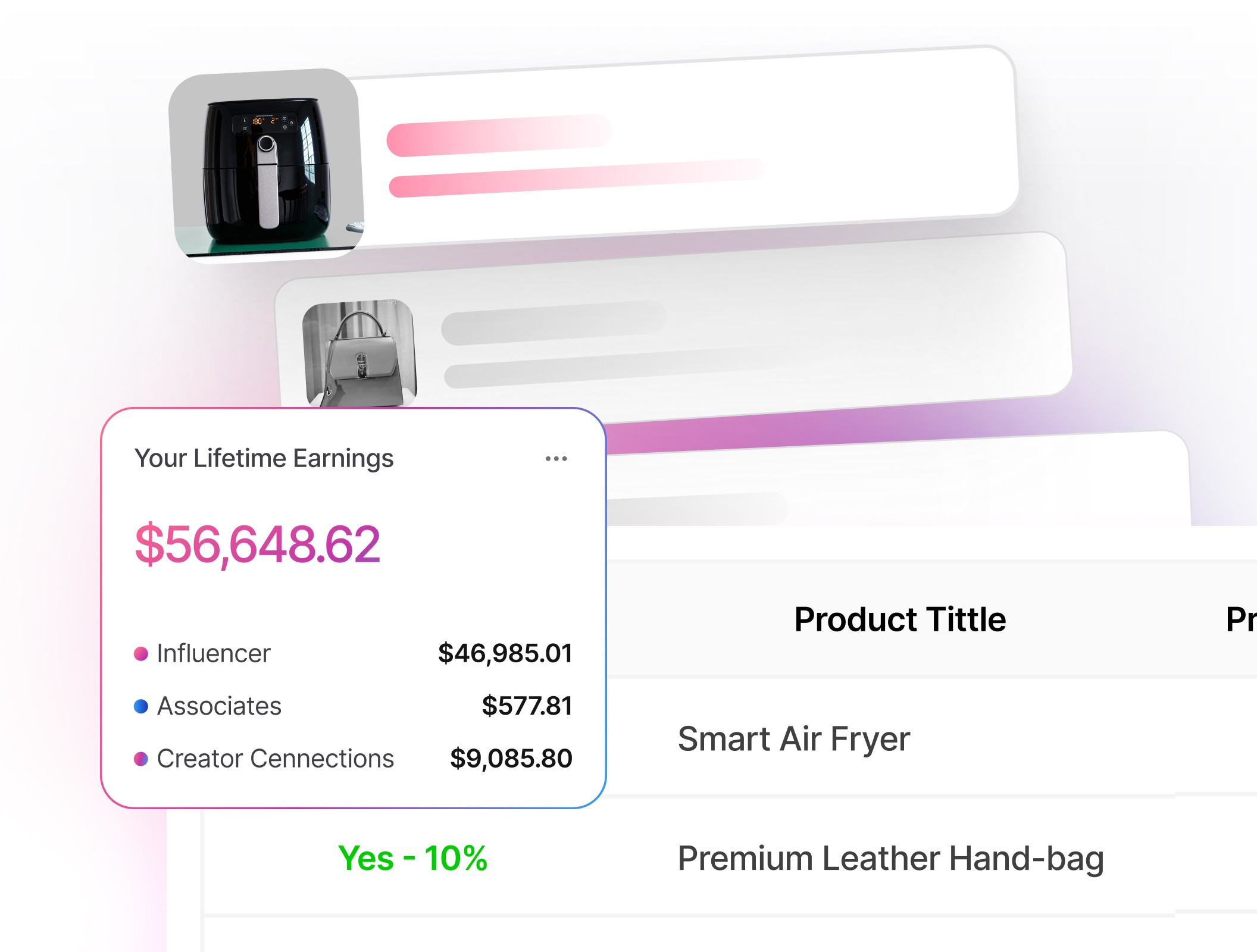
Use our product data, influencer video counts, carousel information, and storefront tools to run this in one workspace.
What Makes a Niche Underserved on Amazon
An underserved niche is a product category with signs of buyer interest but limited video content addressing what shoppers weigh before purchasing. Confirm that shoppers are interested, then determine whether existing videos leave important questions unanswered.
Signals that demand exists:
Consistent or seasonally rising search interest.
Multiple listings and variations within a subcategory.
Recent review activity across several listings, weighed alongside product age, availability, and category performance.
Signals that coverage is weak:
Few or no influencer or customer videos on key product detail pages (PDPs).
Recurring themes in reviews, brand FAQs, forums, or search suggestions that existing videos don't address clearly.
Reviews complaining about setup, sizing, compatibility, or comparisons.
Our product data and total influencer video counts, both Pro plan features, show which listings are thinly covered. That is the supply-half of the picture. The demand-half is yours to judge, so after narrowing the list, open each listing and read what shoppers are saying.
Research Framework That Works in Hours, Not Weeks
Instead of choosing products based on guesswork, use a repeatable workflow to identify promising opportunities and eliminate weaker ideas more quickly.
Start With Demand Signals
Begin broad, then narrow:
Use Amazon search suggestions to find specific phrases, such as "RV water hose 90 degree fitting." These suggestions use common wording, although they do not provide verified search volume data.
Review relevant Best Sellers, New Releases, and Movers & Shakers pages for possible product ideas. Treat these pages as discovery tools rather than proof that a product will convert for your storefront.
Use Google Trends as a timing check rather than a demand measurement. Trends data is normalized and relative, and it reflects Google searches rather than Amazon shopping behavior, so it is best for spotting seasonality and related wording you can use in a video.
Tip: Viral Vue can help with all of this and automate this research! We can help you filter products according to factors such as category, price, performance, or commission potential. Run several related searches, save the strongest candidates, and then inspect their Amazon listings before choosing what to film.
Audit Coverage On Product Pages
Open the top 5 to 10 PDPs for a promising query and scan:
Videos: Note how many useful, recent demonstrations appear and whether they show setup, fit, sizing, compatibility, or everyday use.
Review highlights: Amazon's "Customers say" summary surfaces themes that repeat across verified reviews, with clickable highlights for each. This is the fastest read on what shoppers care about, and it replaced the browsable Questions and Answers module on most listings.
Reviews: Scan recent positive, critical, image, and video reviews when those filters are available. Look for issues that would be easier to explain through a visual demonstration.
Recency: Check whether existing videos show the current model, packaging, connectors, or features. An updated demonstration helps when older content no longer matches the product.
Our influencer video count and carousel tools speed up that comparison by showing how many videos sit in the top and bottom carousels and how many come from merchants rather than creators. Then inspect the page yourself to judge whether the competing videos answer the shopper's main questions.
Validate Buyer Intent and Monetization Fit
Not every content gap justifies the time and cost of producing a video. Prioritize products with the following qualities:
Mid-ticket items or bundles where a single video can drive meaningful commissions.
Accessories and consumables that repeat, such as filters, pads, and refills.
Clear upgrade paths that support comparison videos to help buyers choose.
Avoid:
Restricted or sensitive categories you cannot cover well.
Products with compliance or safety claim risks you cannot substantiate.
One check that is easy to skip: on-site commission rates are set by category and are lower than standard Associates rates, so two products at the same price can pay very differently. Confirm the rate before you commit to a shoot.
You can filter products by price alongside commission potential, video competition, and other data before buying a product or investing time in production. Treat our platform as a screening tool, then use your own product knowledge to make the final call.
Decision Matrix: Finding Underserved Product Niches to Create Videos For
A simple scoring system can help you avoid products where your video would offer little new information.
Check | What Good Looks Like | Red Flag |
|---|---|---|
Demand | Steady or seasonal interest supported by recent activity across several relevant listings | Weak supporting demand signals or dependence on one unstable or frequently unavailable listing |
Video Coverage | Few videos or low-quality demos on PDPs | Multiple strong, recent demos covering setup, fit, and comparisons |
Question Depth | Repeated unanswered Q&A on sizing, compatibility, or install | Minimal Q&A or already well answered |
Monetization Fit | Mid-price or replenishable; accessories with cross-sells | Ultra-low price, rare purchase, or heavy returns |
Compliance Risk | Straightforward disclosures; no risky claims needed | Health/performance claims you cannot substantiate |
Score your shortlisted products with the matrix, then use our data to break ties between opportunities that appear equally promising.
Sources of Hidden Demand You Can Mine
Beyond the listings themselves, four sources reliably surface buyer confusion worth filming.
Compatibility edges: Model years, connector types, sizes, or materials buyers confuse.
Problem-led keywords: Terms like "leaks," "wobbles," "streaks," "won't pair," or "smell" point straight at pain a video can resolve.
Brand and community sources: Manufacturer FAQs, support pages, forums, and social comments still carry the direct questions Amazon's product pages no longer show in a browsable list.
New or refreshed products: Recently launched or updated listings often have less established video coverage, though Amazon still decides whether and where your content appears.
We help Amazon influencers monitor product opportunities without manually checking every listing each day.
Make Videos That Solve Specific Jobs
Shoppers often watch product videos to decide whether an item will work for their specific needs, space, device, or routine.
Hook in 3 seconds with who it is for and the key benefit.
Show context, including model, size, surface, or space, so viewers can self-identify.
Demonstrate setup and first-use steps without fluff.
Handle objections such as noise level, fit, durability, cleaning, or returns.
Close with a clear verdict on who should buy it and who should skip it.
Keep Amazon's content rules in view while you script. Shoppable videos should not mention prices, discounts, or promotions, should not ask viewers to follow, subscribe, comment, or check a description, and should not display external URLs or social handles. A verdict is fine. A call to action is what gets videos rejected.
Compliance Basics You Should Not Skip
Following Amazon's policies and applicable disclosure rules can reduce avoidable risks to your storefront and affiliate income.
Clearly disclose any affiliate, sponsorship, free-product, or other material relationship that could affect how viewers interpret your recommendation, in language they understand without hunting for it.
Where your own links appear outside Amazon, identify yourself as an Amazon Associate using the required sentence: "As an Amazon Associate I earn from qualifying purchases." Keep it near the links, not buried in a footer.
For on-site videos, there are no links of your own, so the disclosure has to live in the video itself, on screen or spoken. This matters most when the product was gifted or discounted.
Follow applicable law, including the FTC Endorsement Guides and the FTC's disclosure guidance for influencers.
Don't place affiliate links in customer reviews or other Amazon customer-generated contexts. Amazon's participation requirements prohibit Special Links anywhere on an Amazon site.
Examples
These examples show how recurring shopper concerns can lead to focused video ideas.
Compact Air Purifier Filters
A creator noticed steady interest in a well-known compact air purifier but almost no videos explaining which third-party filters fit each generation. Review highlights on several listings kept surfacing the same confusion, and the critical reviews underneath were full of people who had bought the wrong refill.
The creator shot three 90-second clips: how to confirm your model, how to swap the filter, and how to compare two popular refills. The videos earned placement and drove consistent commissions because they solved a specific problem at the point of purchase. Placement is always Amazon's decision, so the lesson here is the topic selection, not a guaranteed outcome.
RV Water Hose Fittings
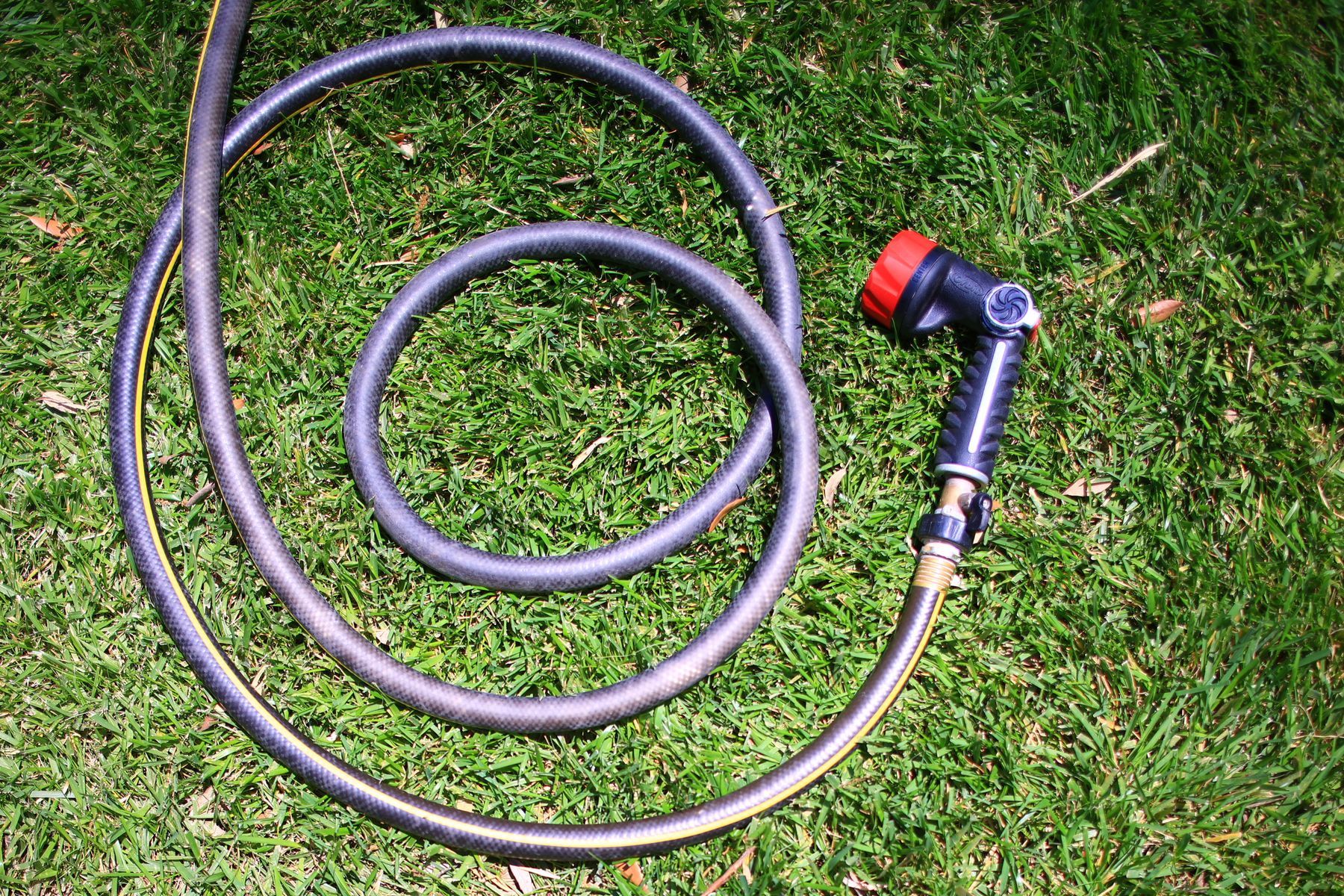
Searches for RV setup gear climb each spring and summer. A creator checked the historical data from Viral Vue, confirmed spikes from late March through August, and then audited the top Amazon listings. Only a few videos showed how 45-degree versus 90-degree fittings prevent kinks in tight hookups.
They produced a side-by-side demo with clear labeling, a leak test, and a quick buying checklist. The video earned views each weekend in peak season and continued to perform during shoulder months alongside a follow-up winterization clip.
Actionable Steps / Checklist
Use this checklist to turn the research process into a repeatable workflow.
Brainstorm 10 problem-led long-tail phrases tied to a category you know.
Check Google Trends for each term to spot seasonality, then pick 3 worth pursuing.
Review several relevant listings for each term and record video competition, recurring review themes, availability, and product differences.
Score each idea with the table above. Keep only those with demand plus a clear video gap.
Confirm the on-site commission rate for the category before you commit to filming.
Script around the buyer job: who it is for, what it solves, proof it works, and what to pick.
Film tight demos that show fit, sizing, or install steps in real context, and add readable captions.
Publish with helpful titles that mirror buyer language and add product identifiers.
Place your disclosures clearly and use the required Associates statement where your links live.
Review your performance data and expand successful topics into comparisons, updates, compatibility guides, or troubleshooting videos.
Use our dashboard to monitor your storefront and organize the next round of research.
Glossary
Learn essential affiliate terms to build confidence when optimizing video titles, descriptions, and storefront strategies.
Amazon Influencer Program: A program for eligible creators that may provide an Amazon storefront and opportunities to earn from qualifying purchases or eligible onsite content.
Onsite Commission Income: Commission Amazon may pay when eligible influencer content appears in Amazon's shopping experience and contributes to a qualifying purchase. Rates are set by category and are lower than standard Associates rates.
Long-Tail Keyword: A specific search phrase reflecting a narrower need, such as "quiet six-inch clip fan for dorm."
Influencer Video Count: The number of influencer videos linked to a listing, including those Amazon is not currently displaying.
Product Detail Page (PDP): The Amazon page for a single product, including images, videos, reviews, and review highlights.
Customers Say: Amazon's AI-generated summary of recurring themes across verified reviews, with clickable highlights. It largely replaced the browsable Questions and Answers module.
Carousel: The rows of video on a product page. The top carousel sits near the product images and is generally the more valuable placement.
Special Link: An affiliate link formatted with your Associate tag, governed by Amazon's Operating Agreement.
Disclosure: A clear statement that you have a material connection to a brand or may earn a commission.
FAQ
Q: How many videos should I make per niche? A: Start with one focused video that answers the clearest buyer question. Add comparisons, setup guides, or troubleshooting videos only when each one serves a different purpose.
Q: How do I measure if a niche is working? A: Review available metrics such as views, placement, ordered items, commissions, and returns. Our performance and placement tools bring these signals onto a single dashboard.
Q: Should I target premium or budget products? A: Test both, but don't choose by price alone. Compare the category commission rate, conversion signals, availability, return risk, video competition, and the cost of obtaining the product.
Q: Do I need permission to show brand names in my videos? A: You can generally identify products you are reviewing, provided your presentation is truthful and does not imply a sponsorship that doesn't exist. Follow Amazon's content rules and disclose any brand relationships.
Q: Where did Amazon's customer Q&A section go? A: Amazon retired the browsable Questions and Answers module on most product pages, replacing it with AI-generated answers and the "Customers say" review highlights. Recurring review themes are now the most reliable browsable signal for what shoppers are unsure about.
Final Thoughts
Underserved niches emerge when shoppers have recurring concerns and few useful videos address them. Research those gaps carefully, demonstrate the product honestly, and follow current policies, and your videos stay useful to shoppers long after you publish.
We bring product research, video competition, placement tracking, and storefront tools into one workspace, so you can make content decisions without checking every listing by hand. Use Viral Vue to research your next category, compare the opportunities, and choose a topic based on data rather than guesswork.


Stop Guessing What to Post Next
Join TikTok Affiliates turning views into consistent commissions.