Amazon Influencer Tips: Practical Playbook To Grow Clicks, Trust, And Sales
The Amazon Influencer Program can turn your everyday product recs into real revenue. But payouts are not magic. Learn how to Grow Clicks, Trust, And Sales
Feb 17, 2026
The Amazon Influencer Program can turn your everyday product recs into real revenue. But payouts are not magic. You earn when your content helps someone shop, and you keep earning when your content stays compliant, useful, and discoverable.
This guide gives you practical tips that work inside Amazon’s rules. It also clears up confusing points like onsite vs offsite earnings, disclosures, and which content formats to prioritize right now.
TL;DR
Publish clear, helpful content that shows the product in use and answers buyer questions. Keep prices out because they change.
Understand onsite vs offsite earnings and set up tax and payment info for each Store ID.
Add short, conspicuous affiliate disclosures on every post and include the required Associate statement on your site.
Use a mix of shoppable videos, photos, Idea Lists, and Amazon Live to meet people where they are.
Know How the Program Pays You
Amazon pays Influencers in two main ways. This knowledge helps you maximize your revenue by focusing on content that triggers onsite placements, such as product detail pages.
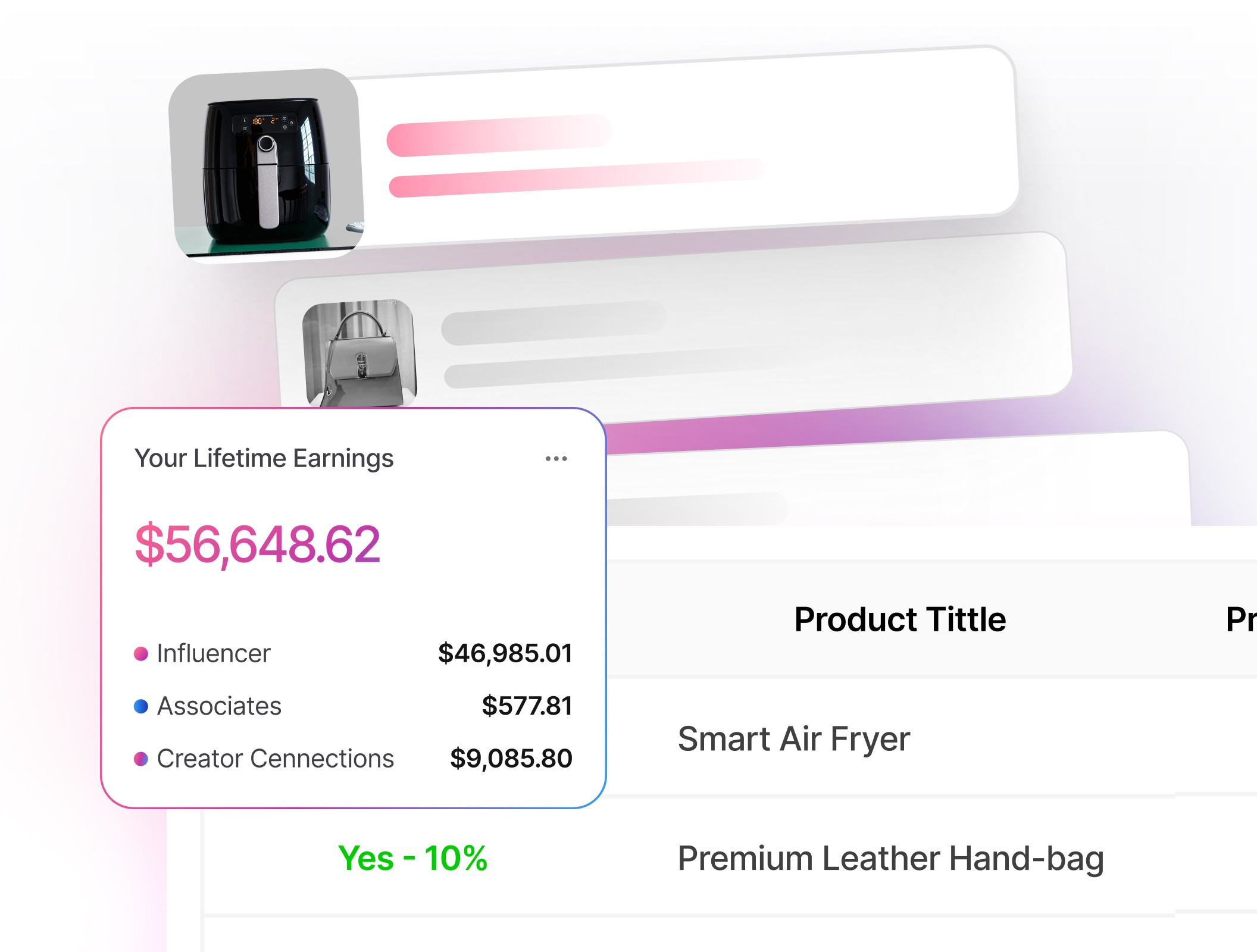
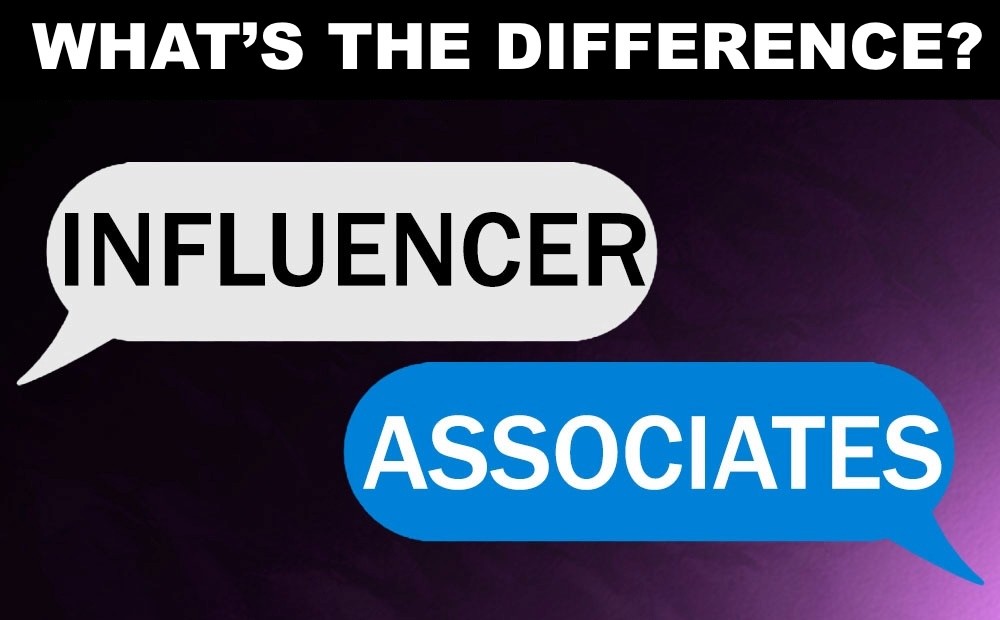
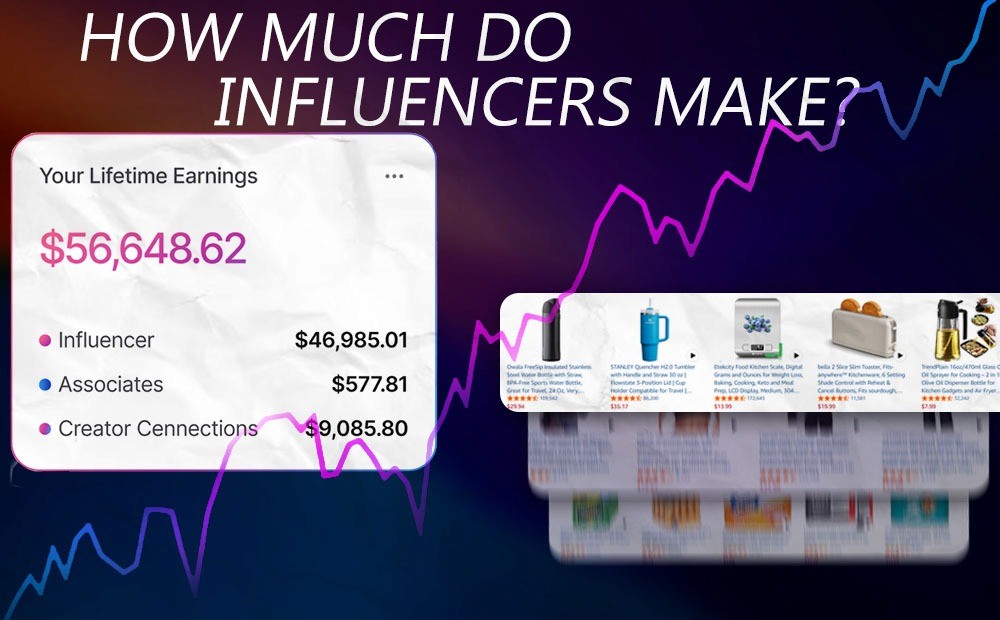
Offsite earnings: These are commissions earned when you drive traffic to Amazon using affiliate links from social media, email campaigns, or your website. You’ll track this revenue under your regular Associates Store ID.
Onsite earnings: When Amazon shows your published content to shoppers already on Amazon (for example, on a product detail page), and they buy after clicking your content. These show up under a separate Onsite Store ID, which often starts with “onamz”. Ensure that you’ve added tax and payment information to both your regular Associates Store ID and your Onsite Store ID so you receive your earnings without delay.
To increase your chances of being featured on product pages, it's essential to publish consistently. Amazon's documentation states that once you have three approved videos and onsite enabled, your content may appear on relevant product detail pages.
Create Content Amazon Will Feature
High-quality, strategic posts improve your chances of being selected by Amazon’s algorithm for premium onsite exposure.
Shoppable Videos That Win the Click
Shoppers want to see how the product solves a real problem. Keep your videos focused, concise, and practical to maintain their attention.
Open with the result by showing the product working in the first 3 seconds.
Frame the shot cleanly, use steady lighting, and keep audio crisp. Your face doesn’t have to be in the video - creating POV videos works great for showcasing products.
Avoid time-sensitive claims like price or promo language. Prices change and can date your video.
Tag only products that actually appear in your video. Inaccurate tagging risks moderation issues.
Amazon moderates submissions and routes eligible videos to placements, including your storefront and, when conditions are met, product pages.
Shoppable Photos and Idea Lists
Photos should be bright, in focus, and helpful. Think quick how-to angles, before/after, or close-ups that answer a question. Idea Lists organize related picks and make your storefront easier to shop. Good list titles use natural language, not keywords stuffed together.
Livestreams With Amazon Live
Amazon Live is an excellent platform for product demos, Q&A sessions, and launches. The Amazon Live Creator app allows you to stream, add products to a carousel, and engage with your audience in real-time.
Use Tools That Help Increase Earnings
Creating consistent, high-quality content is crucial for earning through the Amazon Influencer Program, but managing everything manually can quickly become overwhelming. This is where using the right tools can make a difference. Tools that help track performance, manage campaigns, and optimize content can save time and provide insights to improve your strategy.
Viral Vue is a tool designed for Amazon Influencers. It helps automate repetitive tasks, such as finding trending products and managing creator connections. By using these features, you can focus more on creating content that resonates with your audience while the platform handles some of the behind-the-scenes work.
Over time, this can help improve your chances of landing onsite placements and increase your overall earnings without needing to invest additional time and effort.
Compliance and Disclosures You Must Get Right
You need two layers of disclosure:
Link-level disclosure on every post or video with affiliate links. Keep it short, clear, and close to the link. Examples that Amazon cites as effective include “#ad", “Paid link", or “#CommissionsEarned".
Site-level statement: include “As an Amazon Associate, I earn from qualifying purchases". If you promote on social, associate that statement with your profile.
The FTC’s Endorsement Guides require clear and conspicuous disclosures whenever you have a material connection to the products you're recommending. Don't bury disclosures in a hashtag cloud, comments, or a profile bio. Place them where people will actually see them.
Avoid trademark missteps, too. Do not put “Amazon” or misspellings of it in your domain, social handle, app name, or logo use. Follow Amazon’s Trademark Guidelines if you display their marks at all.
Choose the Best Format for Your Goal
Selecting the right content type allows you to align your production effort with the specific way shoppers discover products on the platform.
Factors | Shoppable Video | Shoppable Photo | Idea List | Amazon Live |
Best for | Explaining how a product works | Quick tips, angles, and context | Curating themed picks | Launches, demos, Q&A |
Effort to produce | Medium | Low | Low | High |
How shoppers find it | Storefront and, when eligible, product pages | Storefront and onsite placements | Storefront and search discovery | Amazon Live page and onsite |
Pro tip | Hook in 3 seconds; show use cases, not just specs | Show scale, texture, or a problem-solution shot | Use plain-English titles that match how people search | Promote ahead of time; spotlight deals in the carousel |
Examples
The examples below provide a practical blueprint for balancing passive onsite commissions with active offsite promotion.
Turning One Video Into Daily Sales
A home cook records a 55-second video of a ceramic pan making eggs with no sticking. The first shot shows the slide-out result, then a quick voiceover: heat setting, oil amount, cleaning routine.
They tag only the exact pan featured. The video gets approved and later appears on the pan’s product page. Over time, it drives steady onsite commissions without any additional social posts.
A Niche Storefront That Compounds
A personal trainer curates a “Small Apartment Gym” Idea List. Each item has a matching 30–60 second video showing setup in a tight space. They also do a 1 hour Amazon Live each month to answer questions about the products and show them in use.
The Idea List earns offsite commissions from their newsletter, while the videos collect onsite earnings from shoppers already browsing those products. The Amazon Live allows the personal trainer to answer any questions from their audience and show the products being used in real time. The combination of all of these results in steady earnings.
Actionable Steps / Checklist
These specific tasks can help you transition from basic setup to a professional, high-earning storefront with a repeatable content strategy.
Set up payments: Add tax and payout details for both your regular Associates Store ID and your Onsite Store ID.
Publish a starter set: Start strong by publishing a starter set of 100 clear, benefit-driven videos and several shoppable photos within your core categories.
Standardize your video template: Hook in 3 seconds, show the product solving a problem, list 1-3 key use cases, end with a quick care or sizing tip.
Tag products accurately: Only items shown on screen.
Add required disclosures: Short link-level disclosure on every post. Site-level Associate statement on your website or profile.
Reuse smartly: Transform each video into a shoppable photo and include it in an Idea List to increase visibility across various touchpoints.
Go Live monthly: Plan a recurring demo or Q&A and feature a tight product carousel.
Review policies quarterly: Skim Amazon’s help pages and the FTC’s influencer guidance for updates.
Glossary
Gaining clarity on these technical terms helps you accurately track where your money is coming from and ensures your business remains compliant with legal standards.
Onsite Commissions: Earnings when Amazon shows your content to shoppers already on Amazon, and they buy after clicking it.
Offsite Earnings: Commissions from traffic you drive to Amazon via your links.
Onsite Store ID: A tracking ID, often starting with “onamz", that reports onsite earnings separately from your regular Store ID.
Idea List: A curated list of products on your storefront organized by a theme or need.
Shoppable Photo: A single image with tagged products that appears on your storefront and may surface elsewhere on Amazon.
Amazon Live: Amazon’s livestream platform where creators demo products and chat with shoppers in real time.
Material Connection: Any relationship that could affect how people evaluate your endorsement, like commissions, payments, or free products.
Clear and Conspicuous: FTC standard that disclosures must be easy to see, read, and understand where the endorsement appears.
FAQ
Q: How do I get my videos on product pages?
A: To get your videos on product pages, publish helpful, policy-compliant videos, and complete onsite setup. Amazon notes that once you have three approved videos and onsite enabled, your videos may also appear on relevant product detail pages.
Q: Do I have to use the exact same disclosure every time?
A: While you don't have to use the same disclosure every time, keep it clear and conspicuous. Examples Amazon points to include “#ad", “Paid link", or “#CommissionsEarned" placed near the link or post.
Q: Can I put “Amazon” in my social handle or domain?
A: No, you can't put "Amazon" in your social handle or domain. Amazon’s Trademark Guidelines prohibit using their marks or misspellings in domains, social usernames, or app names.
Q: Is Inspire still worth creating for?
A: It's not worth creating for Inspire. Amazon shut down Inspire on February 18, 2025. Put your effort into storefront content, product page placements, and Amazon Live.
Q: Do I need to be an Associate to be an Influencer?
A: The Amazon Influencer Program is an extension of Associates. You can participate in both and will see separate reporting for onsite vs offsite activity.
Final Thoughts
Winning on Amazon as an Influencer is simple to describe and hard to fake. Show the product solving a real problem, follow the rules, and publish consistently. If you do that, your storefront becomes a library that keeps working while you sleep.
Viral Vue can help you optimize your content for better visibility on product pages. With tools that track performance and simplify brand connections, Viral Vue allows creators to focus on producing high-quality content while the platform handles the rest.
Stop Guessing What to Post Next
Join TikTok Affiliates turning views into consistent commissions.